.svg)
Employees stop logging into a performance tool when every task means leaving their email or chat app, signing in again and finding the right screen. Below we show what eight vendors let employees do in Microsoft Teams, Slack and mobile without opening the web app, based on each vendor's help center.
Who this is for: HR and People Ops leads at companies with 200 to 5,000 employees who launched a performance tool in the last year, see check-ins or reviews go unfinished, and want to know whether the tool or the rollout is the problem.
Last updated: September 2026
Why do employees stop using a performance tool after launch?
Usage drops when the tool asks people to leave the apps they work in, sign in again and look for a task that a reminder only pointed to. The first review cycle usually goes fine because HR chases everyone. The drop shows up in the months between cycles, when check-ins, feedback and 1:1 notes depend on people opening the tool on their own.
- Reminders compete with constant interruptions. Microsoft's 2025 Work Trend Index report on the infinite workday found that employees using Microsoft 365 are interrupted every 2 minutes by a meeting, email or notification. A review reminder is one more alert in that stream.
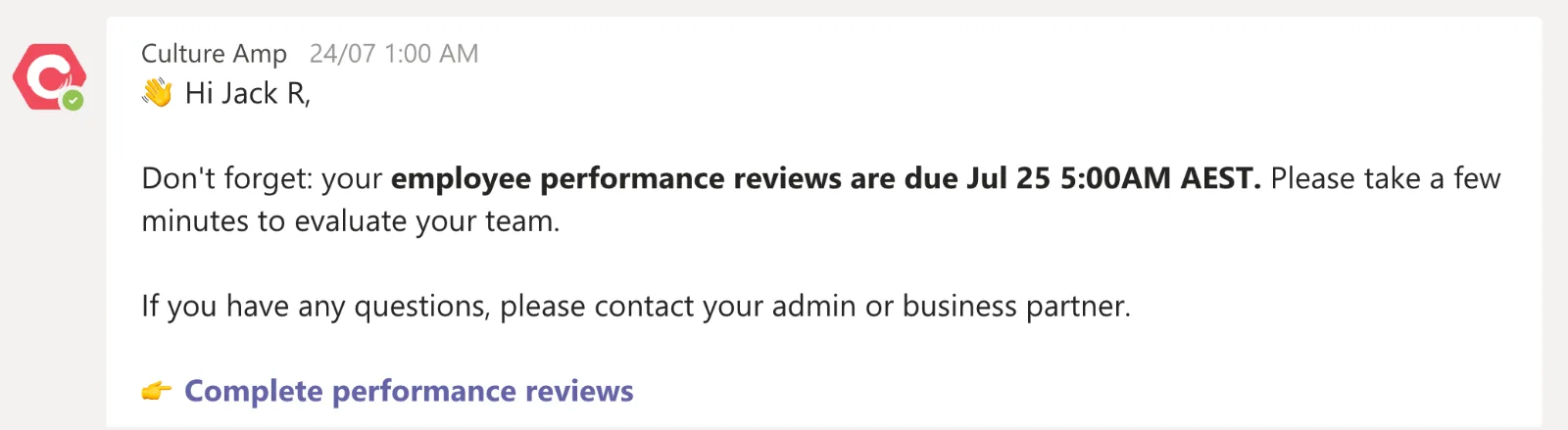
- The reminder does not let people finish the task. In several tools the Teams or Slack message only links back to the web app. Culture Amp's Teams guide for employees, for example, says people are prompted to log in when they click an action that needs a secure session.
- The review does not feel worth the effort. Only 14% of employees strongly agree that their performance reviews inspire them to improve, according to Gallup (2017). People put off a task they expect nothing from.
If managers keep 1:1 notes in a separate document, employees have even less reason to open the tool between review cycles.
How the major performance tools handle work outside the web app
Of the seven web-first vendors we checked, none documents a way to finish a full performance review inside Microsoft Teams or Slack. Most let employees give feedback or recognition in chat and send reviews to the web or mobile app.
What employees can do without opening the web app (checked September 2026)
| Tool | Microsoft Teams | Slack | Mobile app |
|---|---|---|---|
| Lattice | Notifications only | Give and request feedback, add 1:1 talking points | Write and submit reviews, 1:1s, feedback, surveys |
| 15Five | Give and view High Fives (recognition) only | Answer check-ins, give High Fives, request feedback | iOS and Android apps; review completion not documented |
| Culture Amp | Give and request feedback, shoutouts; review reminders only | Give and request feedback, shoutouts | No mobile app documented in the help center |
| Leapsome | Notifications only; feedback and praise not possible from Teams | Give and request feedback, praise, 1:1 talking points | No native app (browser shortcut) |
| Betterworks | Update goals, give and request feedback, recognition | Update goals, feedback, recognition | Update goals, feedback, conversations, recognition |
| BambooHR | No official Teams app found | Directory lookup and time off only | Complete performance assessments |
| HiBob | Company updates, kudos, manager task notifications | Daily digests, shoutouts, time-off approval | Complete performance reviews |
| Teamflect | Runs inside Teams: goals, feedback, reviews and 1:1s | No Slack app documented | No separate app; runs in the Teams mobile app or a mobile browser |
What we checked: vendor help centers, integration pages and app store listings, September 2026. HiBob's help center requires a login, so its row uses hibob.com and HiBob's App Store listing. Where a vendor does not document a feature, we say so rather than assume it.
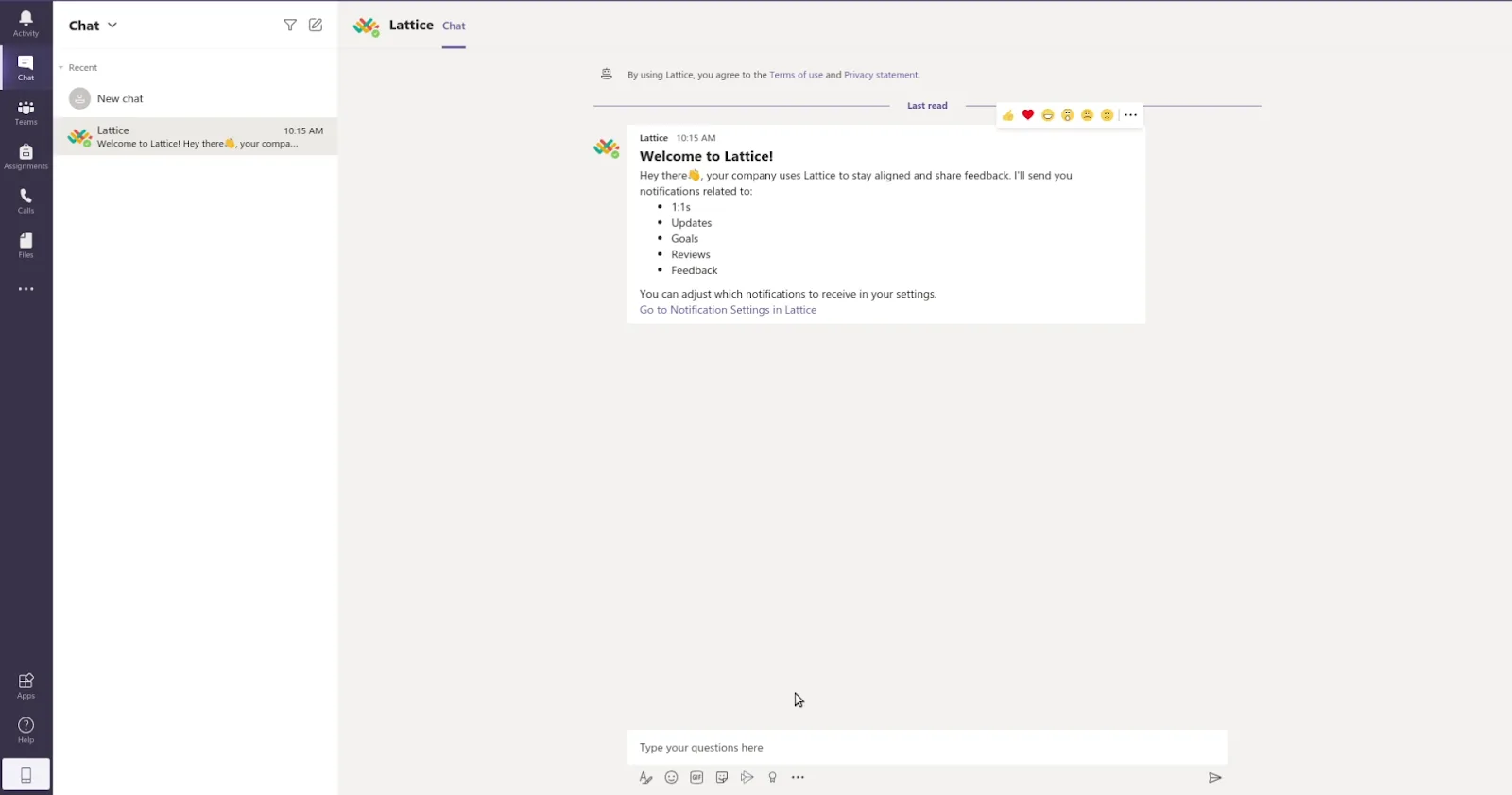
The pattern is consistent. Feedback and recognition moved into chat years ago, because they are short. Reviews, which take the longest and matter most to HR, still open in a browser tab for every web-first vendor in the table.
Is it the tool or the rollout? Check completion by channel first
Before you blame the tool, compare completion by task: if feedback given in chat is high and reviews finished in the web app are low, the login step is the problem.
- Export completion for the last cycle by task type: check-ins, 1:1 notes, feedback, reviews and surveys.
- Turn on every chat integration your vendor offers and send reminders there as well as by email.
- Set up SSO so the login step is one click. Ask whether SSO is included in your plan or sold as an add-on.
- Roll out the mobile app to field and frontline staff if your vendor lets them complete reviews on it.
- Shorten the review form. Every extra section is another reason to close the tab.
- Ask managers to keep 1:1 notes in the tool, so employees see their goals and feedback in one place before the review.
- At renewal, if most of your employees spend the day in Microsoft Teams and your vendor only sends notifications there, compare performance management software that runs inside Teams.
When a Teams-native tool makes sense
A tool that runs inside Microsoft Teams removes the separate login, but it only helps if your company already works in Teams all day.
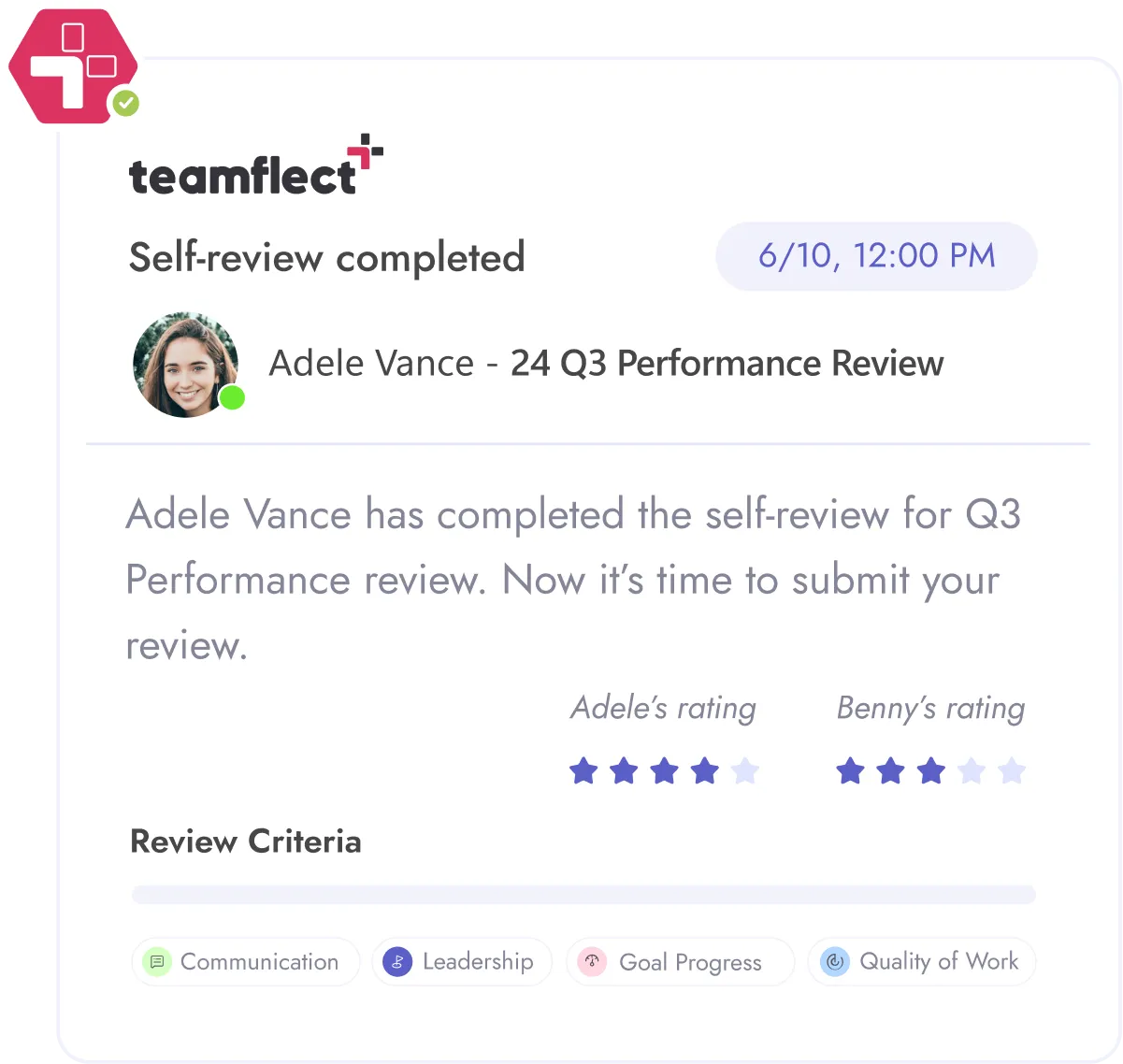
Teamflect is a performance management app that runs inside Microsoft Teams and Outlook. Employees manage goals, feedback, reviews and 1:1 meetings from the Teams left rail. An admin can pin the app for every user from the Teams admin center, so nobody installs it on their own. On phones it runs in the Teams mobile app or a mobile browser; there is no separate Teamflect app and no Slack app.
- Best for: Companies with 200 or more employees that run Microsoft 365 and want reviews, goals and 1:1s in the app employees already use.
- Not ideal for: Companies on Google Workspace or Slack-first teams. Teamflect requires Microsoft 365.
- Plans and price: Free Starter plan for up to 10 users. Essential is $9 per user per month billed monthly or $7 billed annually; Professional is $14 monthly or $11 annually (teamflect.com/pricing, checked September 2026).
For a side-by-side with a web-first tool, see Teamflect vs Lattice.
Questions to ask vendors before you buy or renew
Ask each vendor to show, not describe, what an employee can finish without opening the web app. For the wider buying checklist, see what to look for in performance management software.
- Can an employee complete a full review inside Microsoft Teams or Slack, or only receive a notification?
- Which tasks can be finished in the mobile app: reviews, check-ins, surveys or feedback?
- Which channels do reminders use, and can the employee act from the reminder itself?
- Is SSO (SAML) included in our plan, or sold on a higher tier or as an add-on?
- Can we see completion rates by task and by channel?
- Can IT deploy the app to every user centrally, without each person installing it?
Frequently asked questions
Can employees complete performance reviews inside Microsoft Teams?
It depends on the vendor. Of the seven web-first vendors we checked in September 2026, Lattice and Leapsome only send notifications in Teams. Culture Amp and Betterworks let employees give feedback in Teams, but none of the seven documents finishing a review there. Tools built as Teams apps, such as Teamflect, run the review inside Teams.
Does SSO improve adoption of a performance tool?
SSO removes the password step, which is one of the points where employees drop off after a reminder. It does not fix a review form that is too long or a tool nobody opens between cycles. Check whether SSO is included in your plan or sold as an add-on.
Which performance tools let employees complete reviews on mobile?
Lattice, BambooHR and HiBob document review completion in their mobile apps, based on their help centers and app listings in September 2026. 15Five has iOS and Android apps but does not document review completion in them. Leapsome has no native app and offers a browser shortcut. Culture Amp does not document a mobile app in its help center.
Should we switch performance tools if adoption is low?
Not before you check completion by task and channel. If employees give feedback in chat but skip reviews in the web app, the problem is the login step and the form. Switching makes sense when your vendor cannot put the work where employees already spend their day.
What can HR do in the first 90 days after launch to keep usage up?
Send reminders through chat as well as email. Keep the first review form short. Ask managers to hold 1:1s and write notes in the tool. Report completion by team every two weeks, so managers see where their people stopped. Fix the step where most people drop off before the second cycle starts.
How we reviewed
We read each vendor's help center, integration pages and app store listings in September 2026 and list only what the vendor documents. Where a feature is not documented, the table says so. We did not use demo accounts or third-party review sites for the table.
.png)